
一、GitLab安装
GitLab 在企业内经常用于代码的版本控制,也是 DevOps 平台中尤为重要的一个工具。
1.定义主机名
$ hostnamectl set-hostname GitLab-01
2.点击https://mirrors.tuna.tsinghua.edu.cn/gitlab-ce/yum/el7/gitlab-ce-15.9.5-ce.0.el7.x86_64.rpm进行目前最新gitlab版本下载
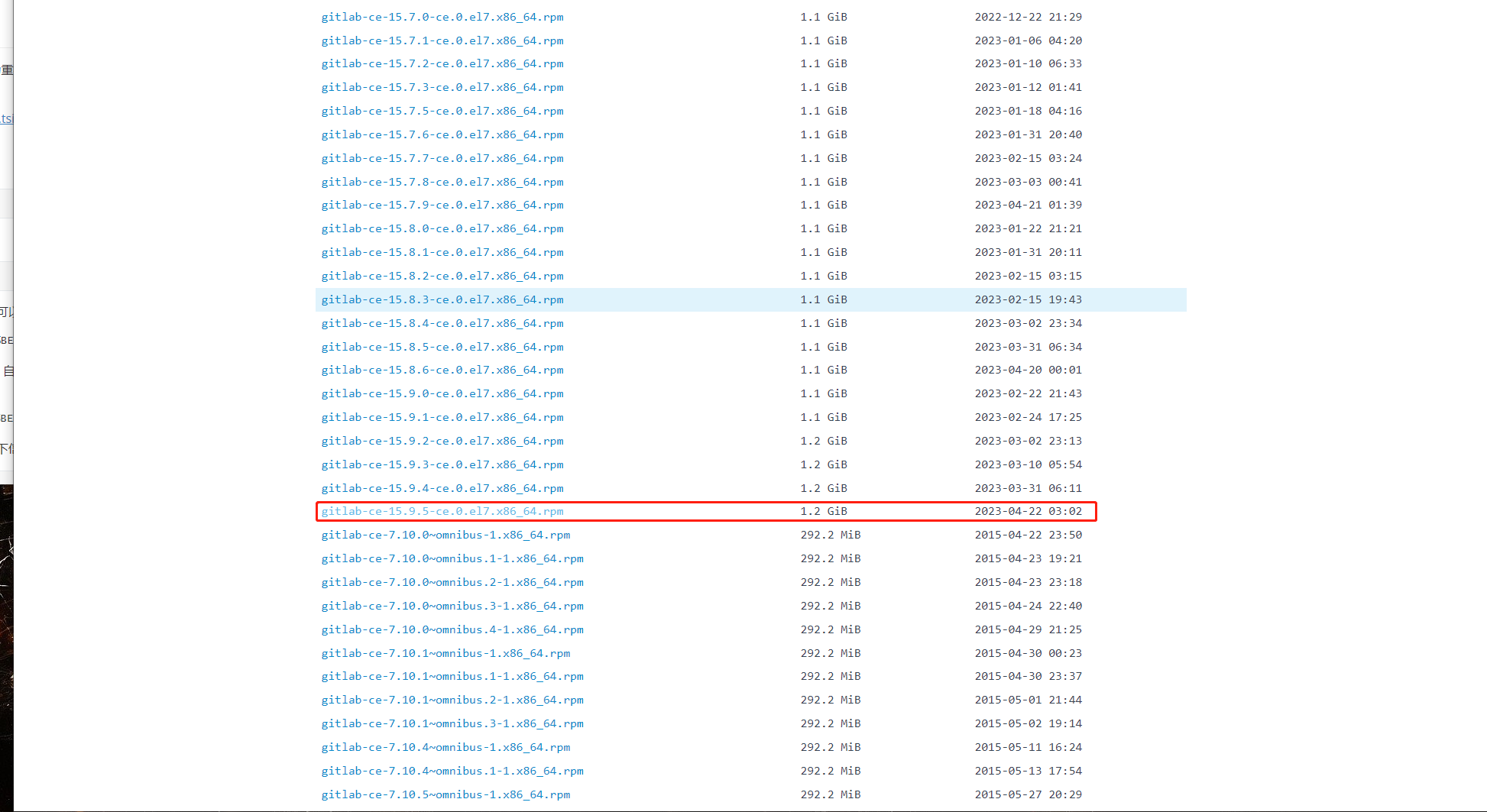
3.将下载后的 rpm 包,上传到服务器,之后通过 yum 直接安装即可:
$ curl -o /etc/yum.repos.d/CentOS-Base.repo https://mirrors.aliyun.com/repo/Centos-7.repo
$ yum makecache
$ yum install gitlab-ce-15.9.5-ce.0.el7.x86_64.rpm -y
4.安装完成后,需要更改几处配置
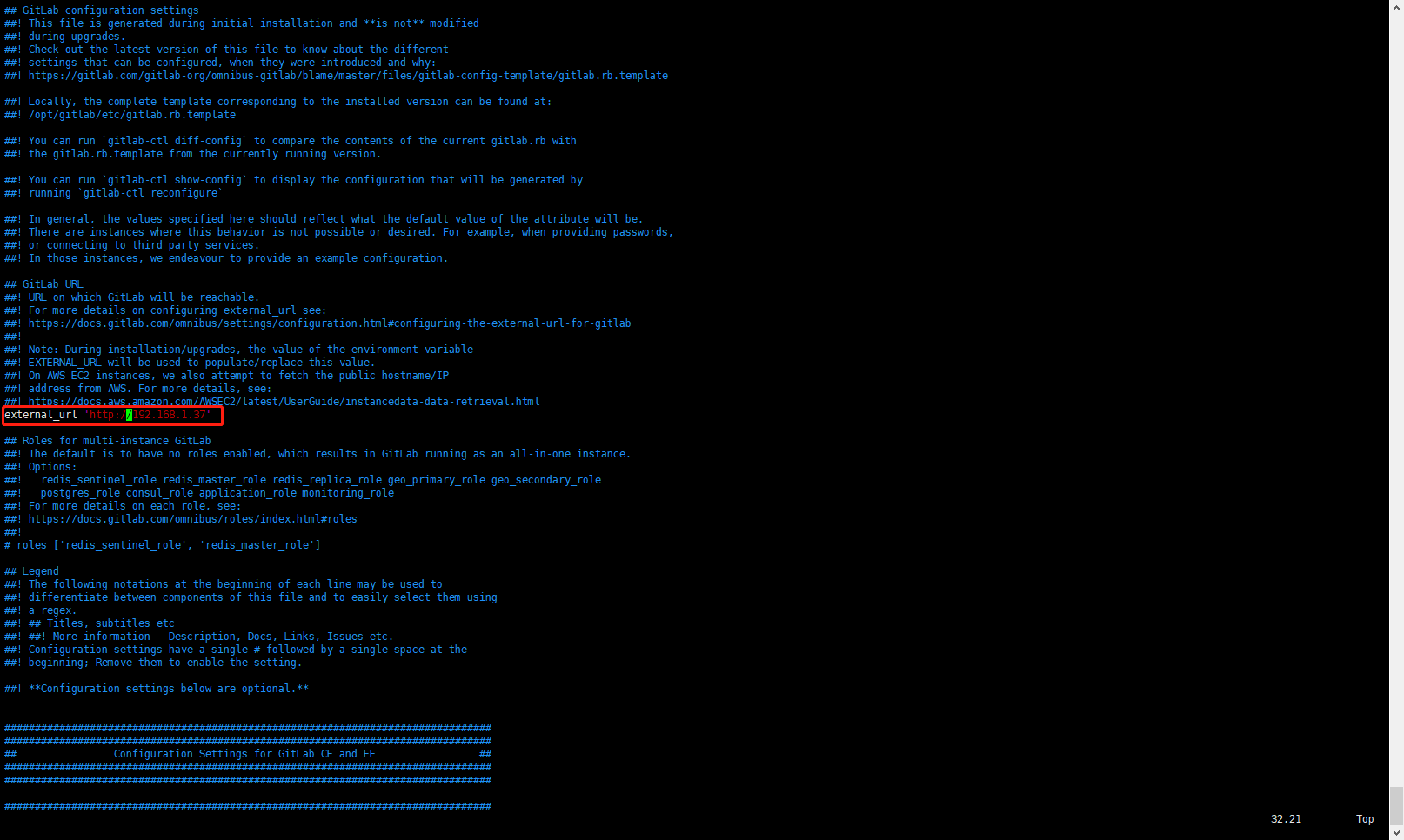
$ vim /etc/gitlab/gitlab.rb
在第32行将 external_url 更改为自己的发布地址,可以是服务器的 IP,也可以是一个可被解析的域名,这里设置为http://192.168.1.37
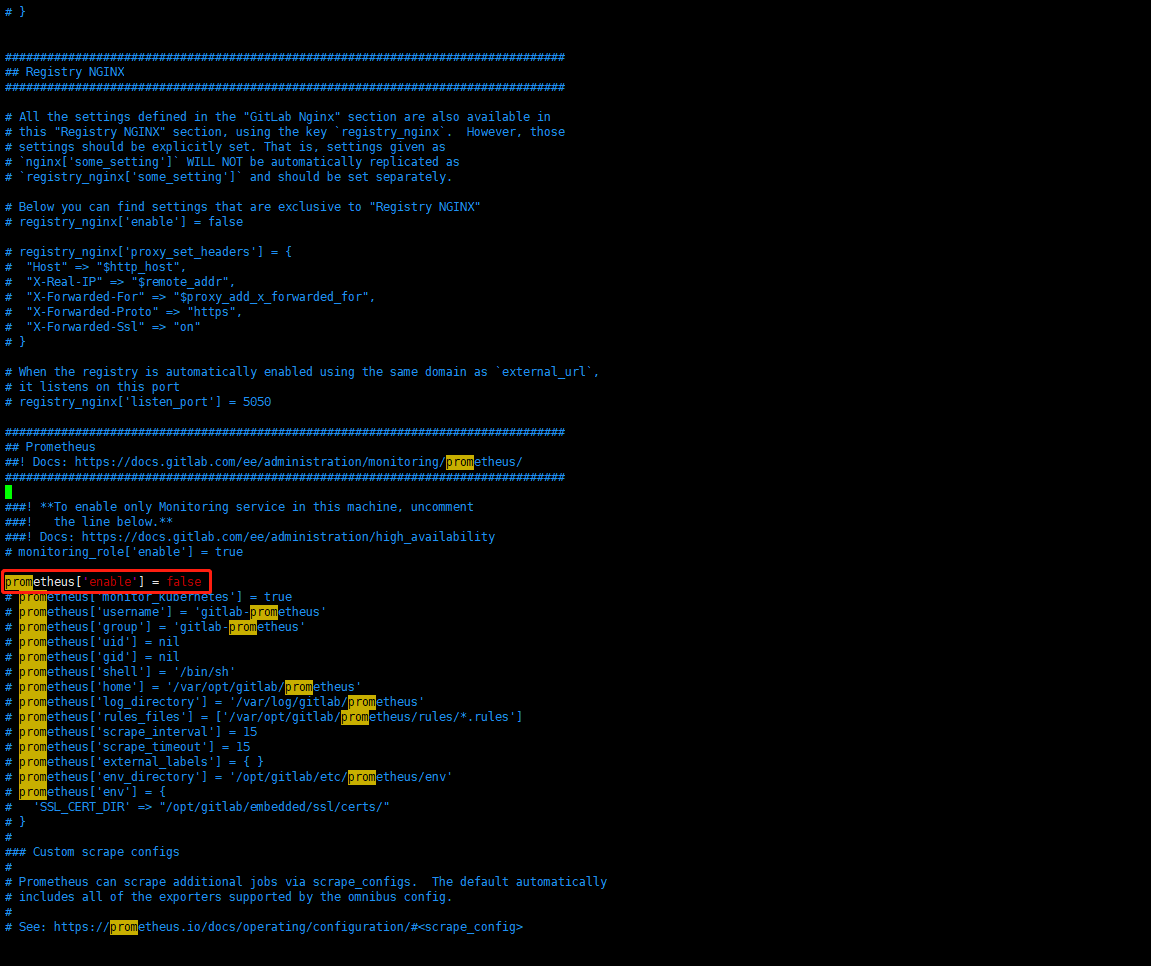
在第2048行关闭 prometheus 插件
1、取消注释# prometheus['enable'] = true
prometheus['enable'] = true

2、并将true设置成false
prometheus['enable'] = false
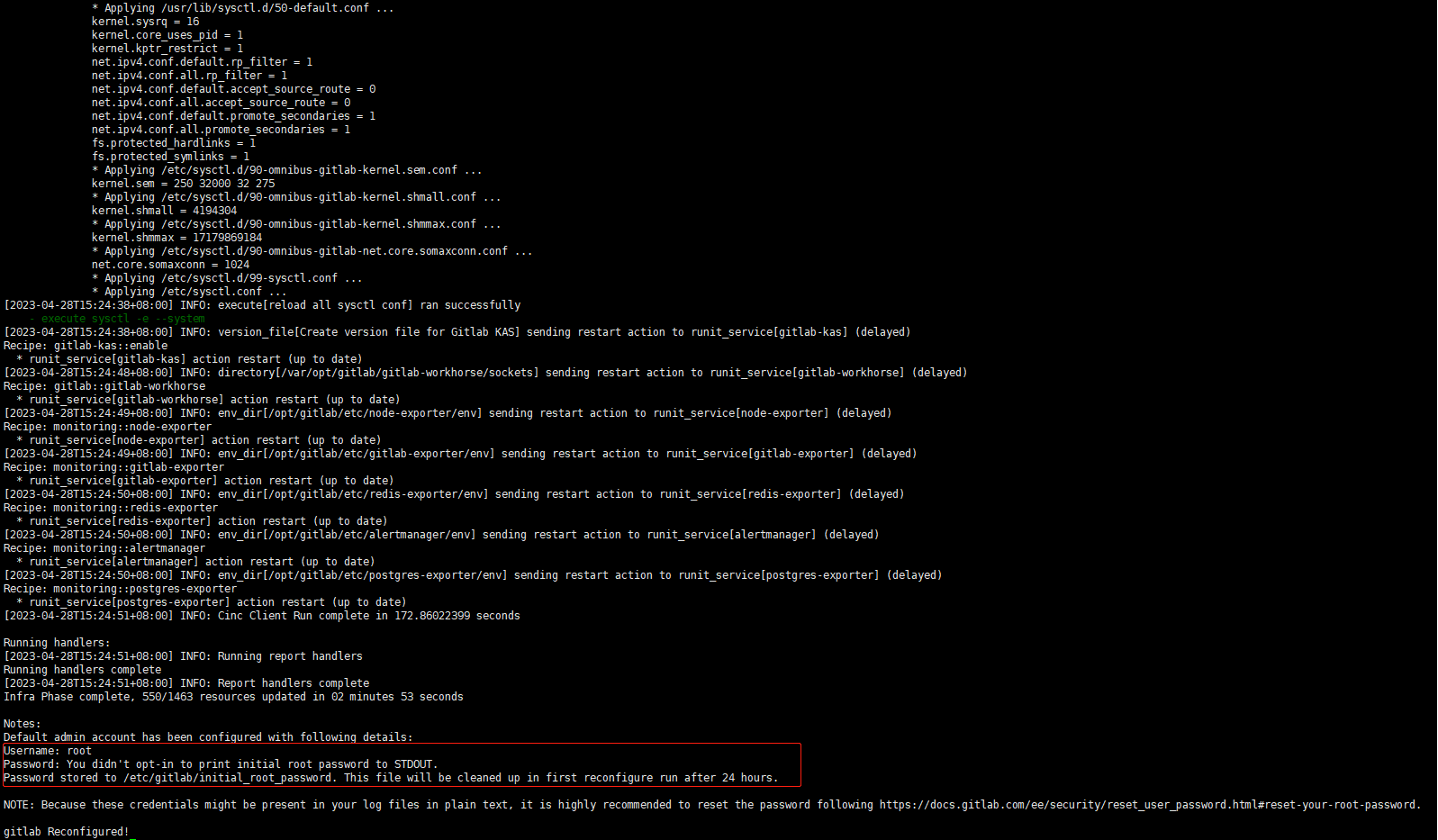
5.更改完成后需要重新加载配置文件,加载配置完成以后,可以看到如下信息
$ gitlab-ctl reconfigure
6.重启GitLab
$ gitlab-ctl restart
7.可以通过浏览器访问http://192.168.100.37/ GitLab,账号 root,默认密码在/etc/gitlab/initial_root_password。
$ cat /etc/gitlab/initial_root_password | grep Password
#          2. Password hasn't been changed manually, either via UI or via command line.
Password: YOUR_GITLAB_ROOT_PASSWORD
上面如果通过浏览器访问不了,需要关闭防火墙和selinux
$ systemctl disable --now firewalld
$ setenforce 0
$ sed -i 's#SELINUX=enforcing#SELINUX=disabled#g' /etc/sysconfig/selinux
$ sed -i 's#SELINUX=enforcing#SELINUX=disabled#g' /etc/selinux/config
二、GitLab使用
1.登录后,可以创建一个测试项目
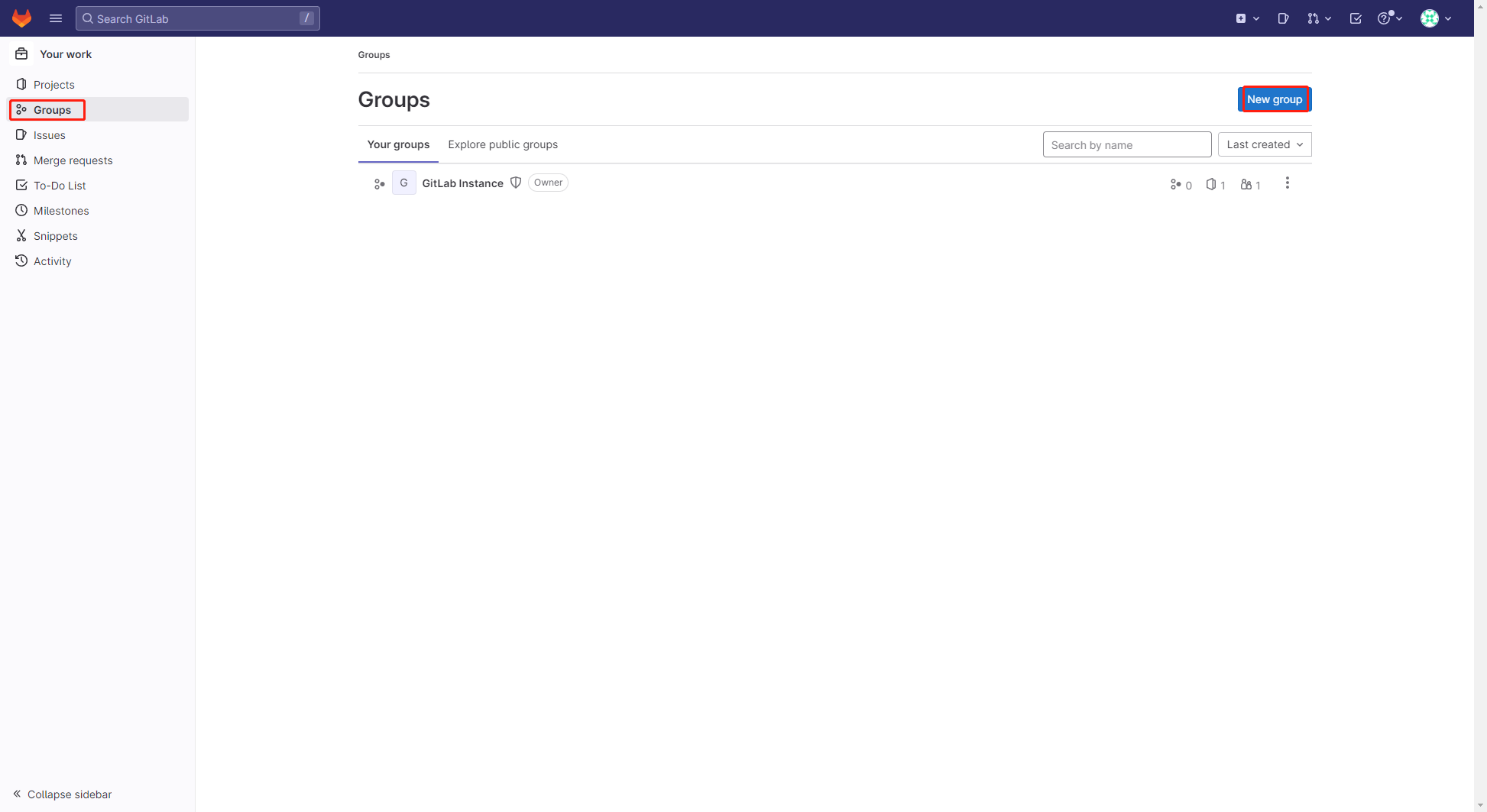
依次点击【Groups】-【New group】
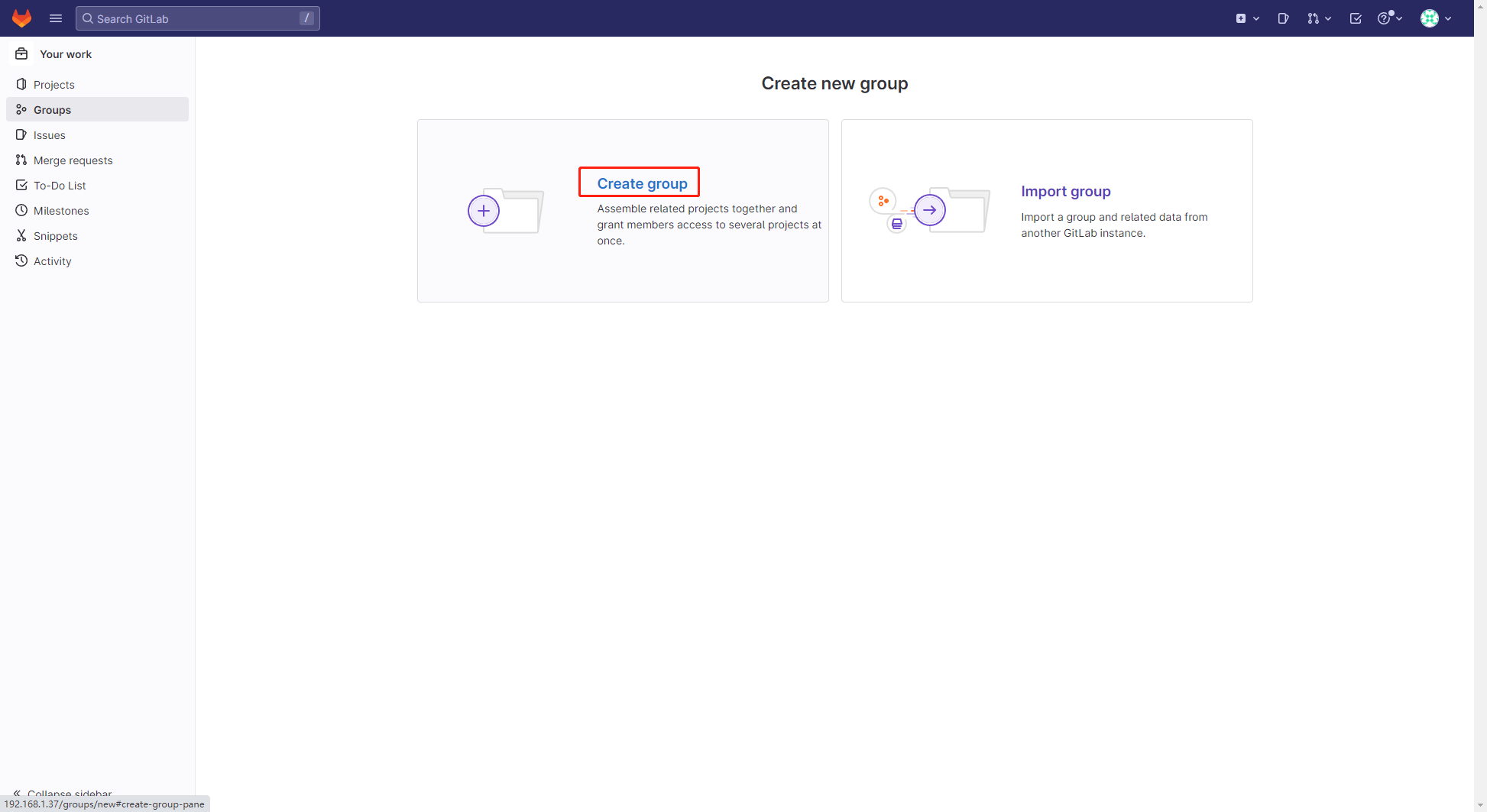
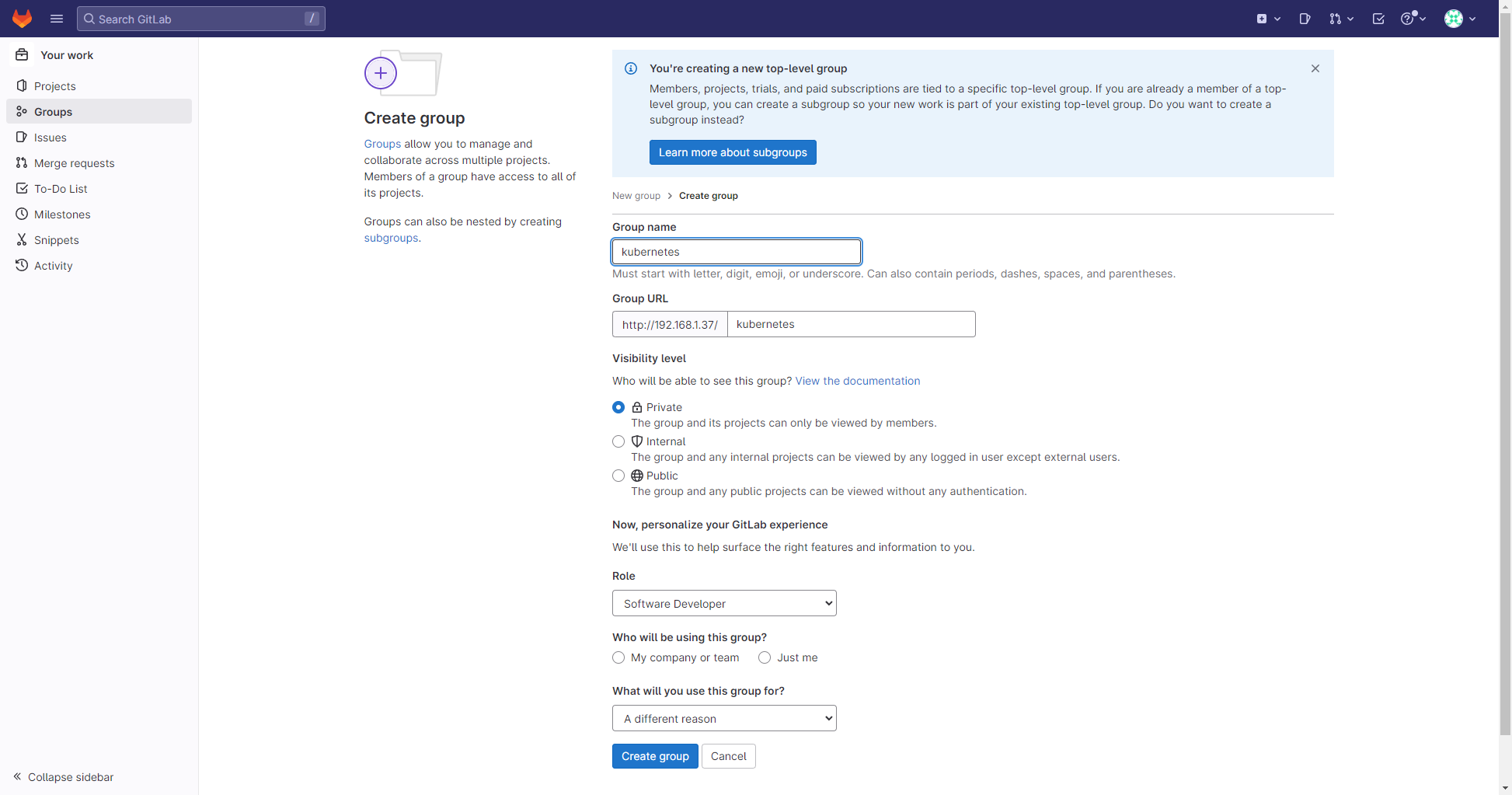
点击【Create Group】后,填写Group name,选择【Create Group】
定义Group名字为【kubernetes】
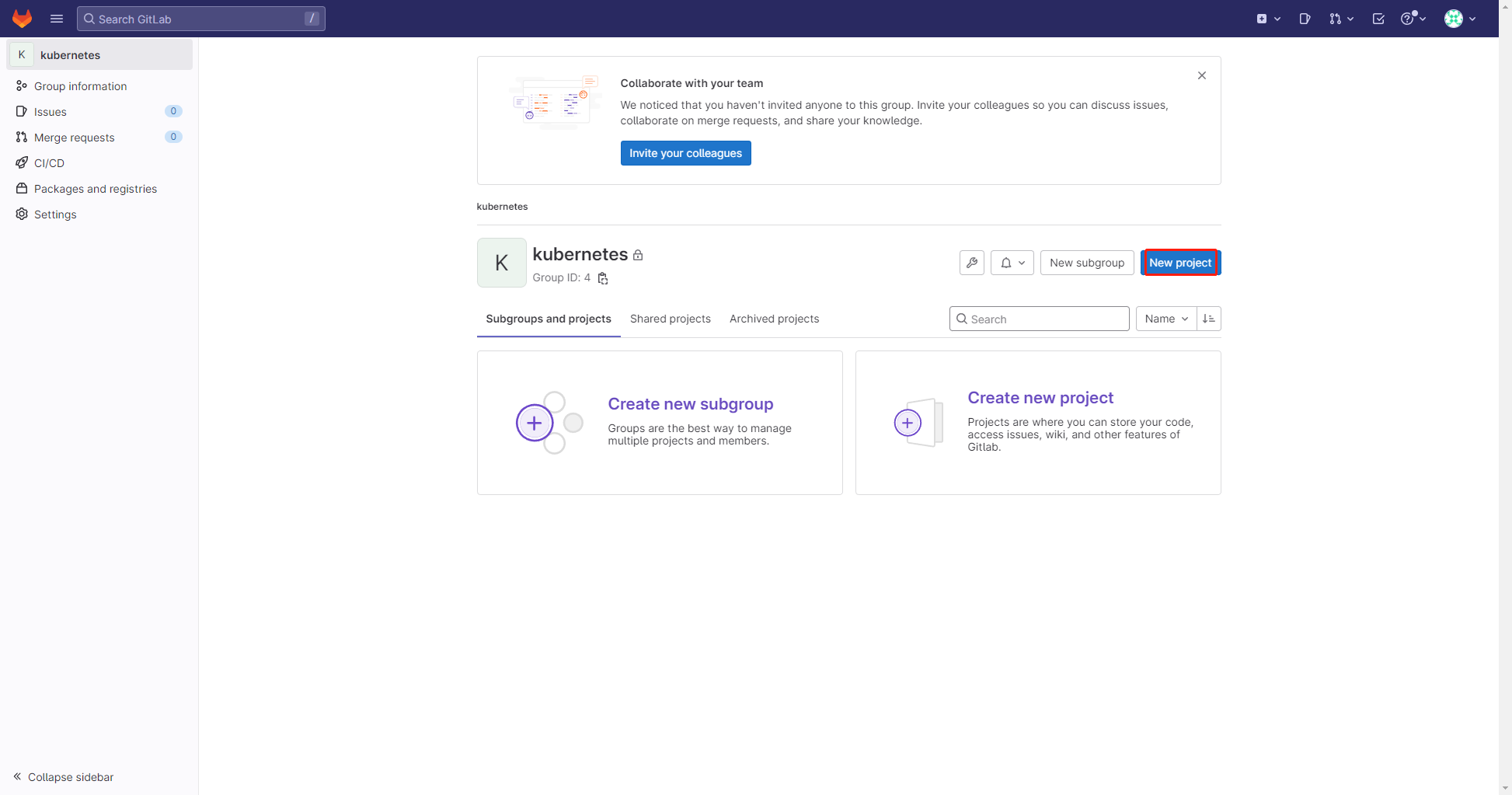
2.之后在该组下创建一个 Project
点击【New project】
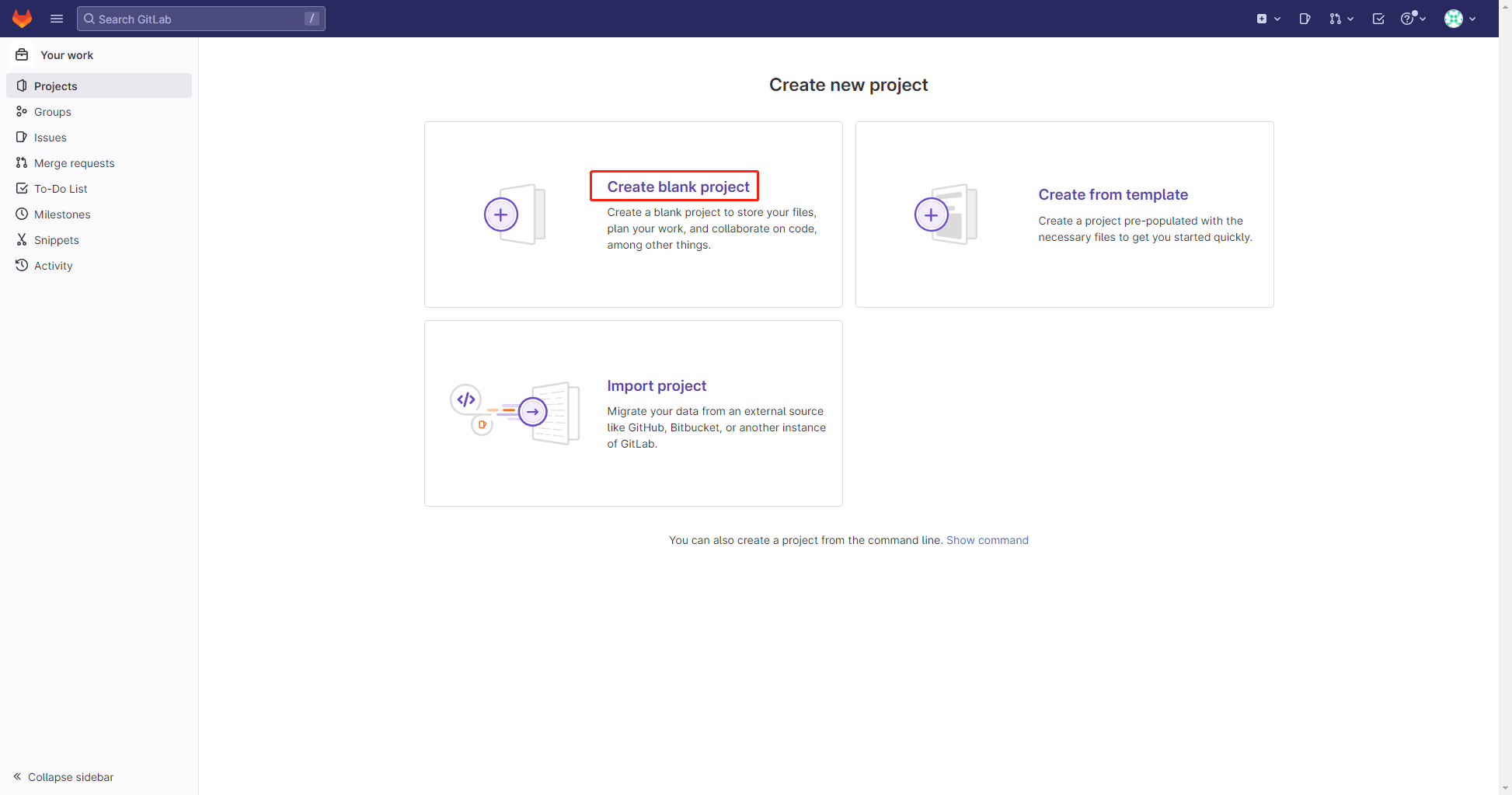
点击【Create blank project】
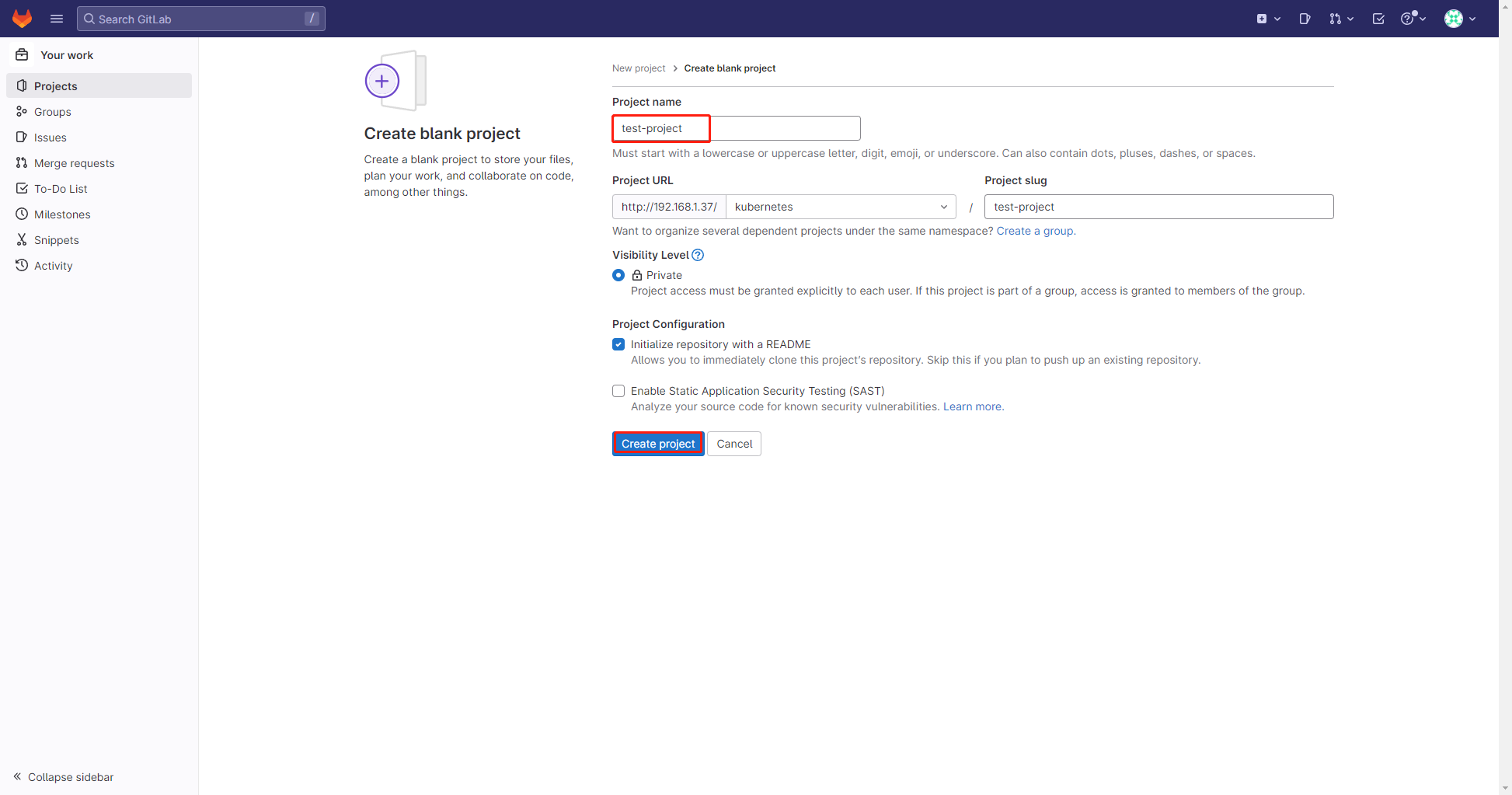
填写项目名字,这里为test-project,填写完成后点击【Create project】
3.在GitLab拉取代码到本地
(1)将 Jenkins 服务器的 key 导入到 GitLab,生成密钥(如有可以无需生成)
$ ssh-keygen -t rsa -C "your_email@example.com"
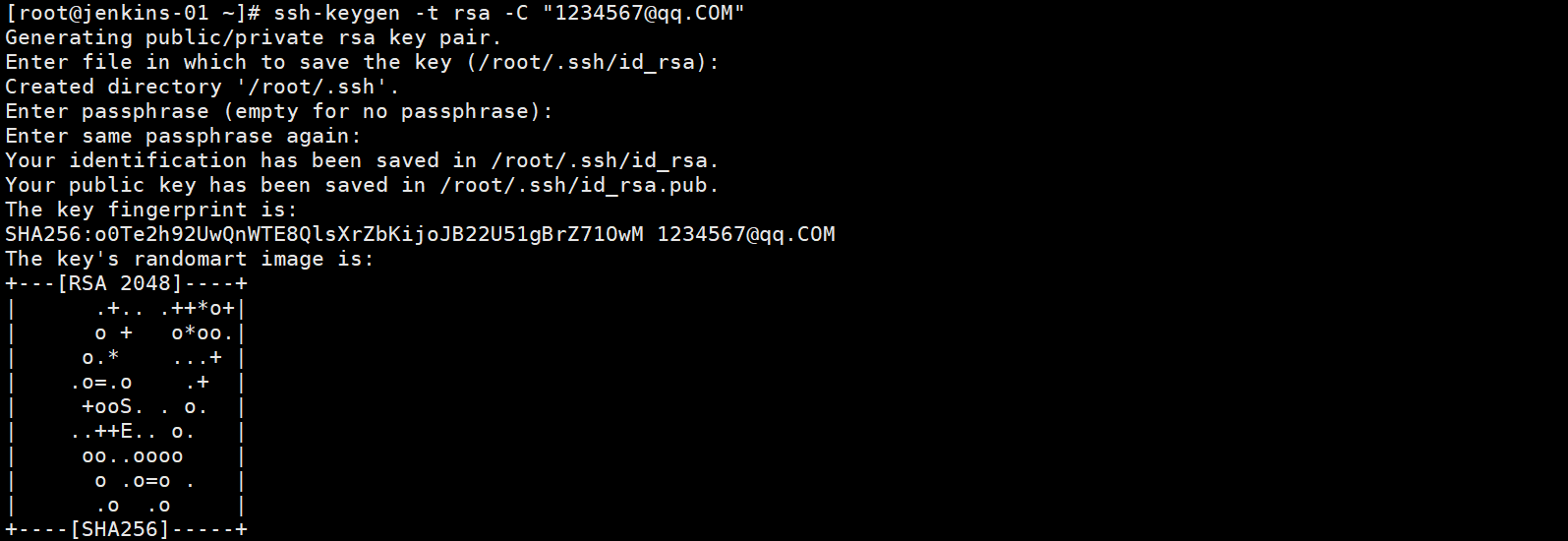
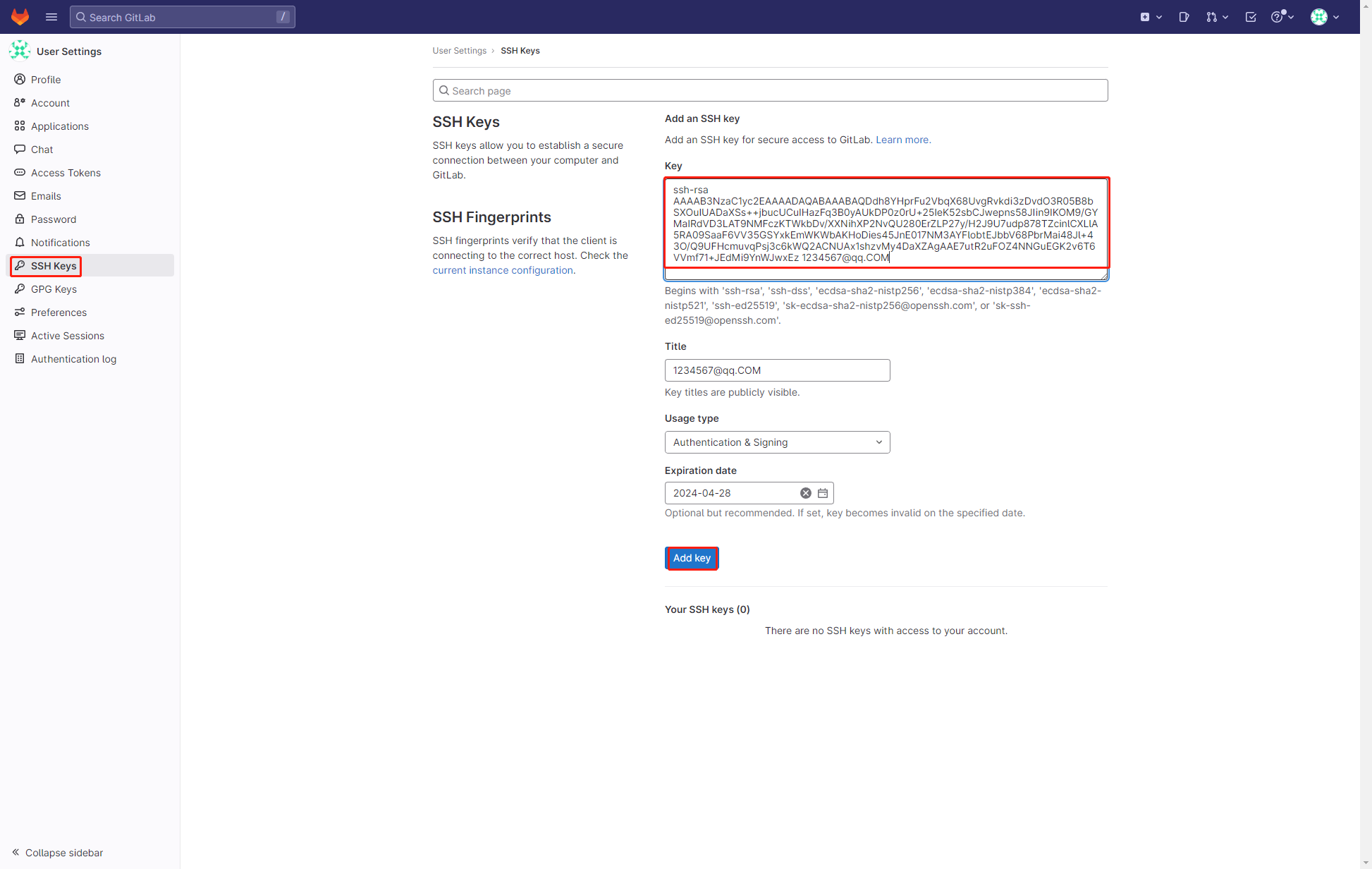
(2)将公钥的内容放在 GitLab 中即可
$ cat ~/.ssh/id_rsa.pub
ssh-rsa YOUR_PUBLIC_KEY your_email@example.com
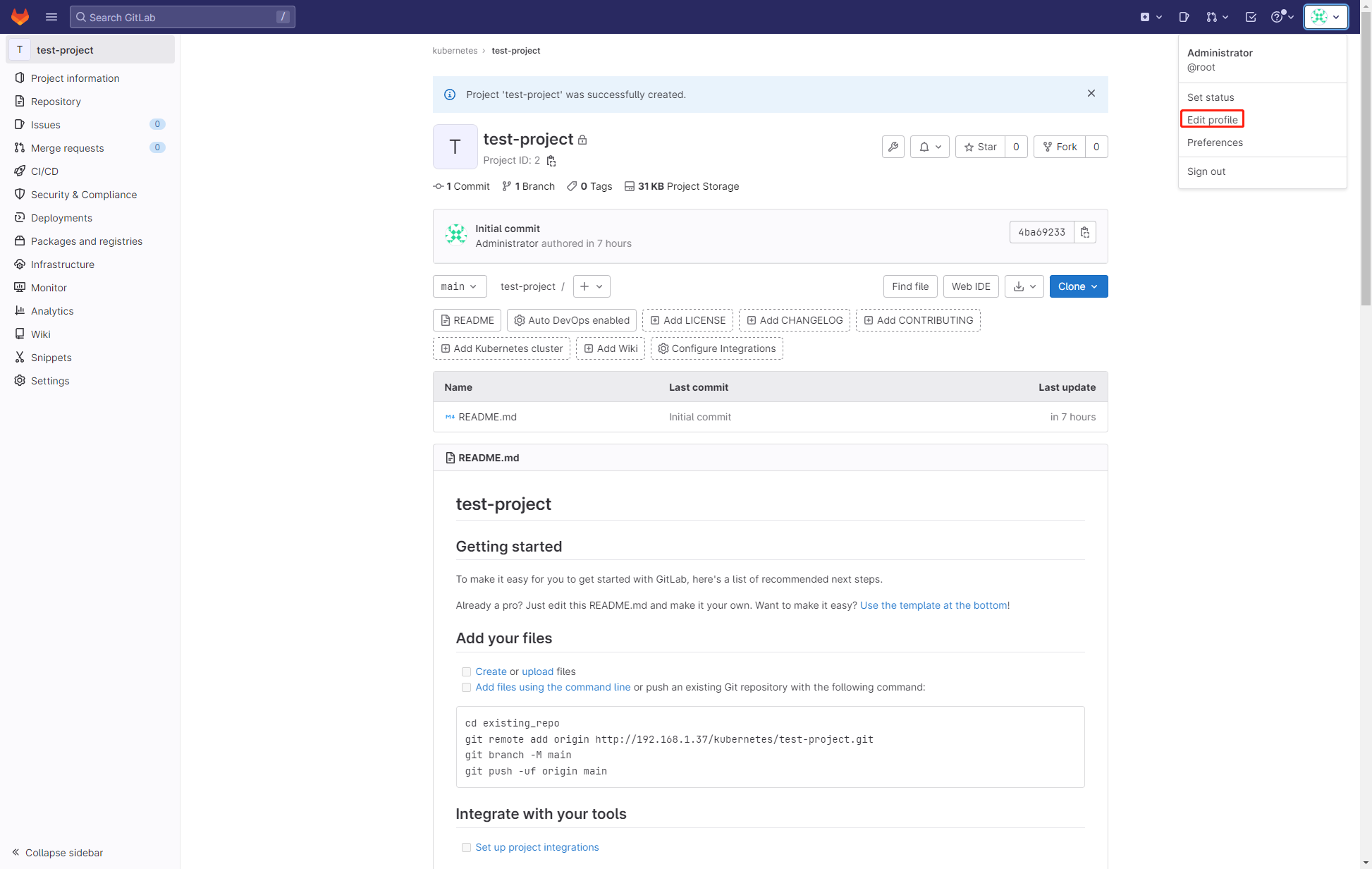
(3)在 GitLab 找到【Edit profile】-【SSH Keys】,复制公钥
复制完成后,点击【Add Key】
(4)找到刚才创建的项目,复制地址
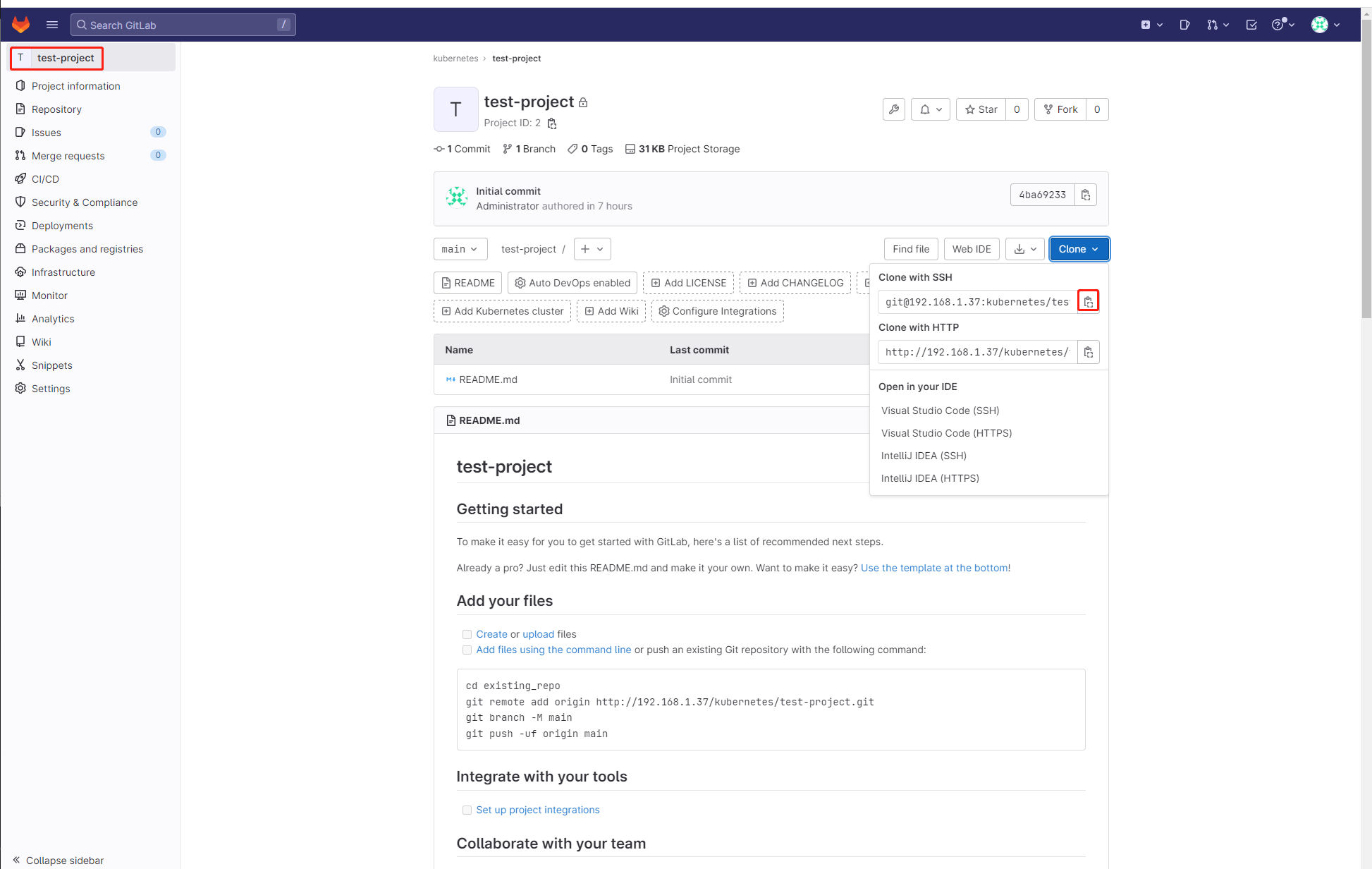
(5) 在Jenkins 服务器上拉取代码
$ git clone git@192.168.1.37:kubernetes/test-project.git
如果没有git命令,使用以下命令进行下载
$ yum install -y git
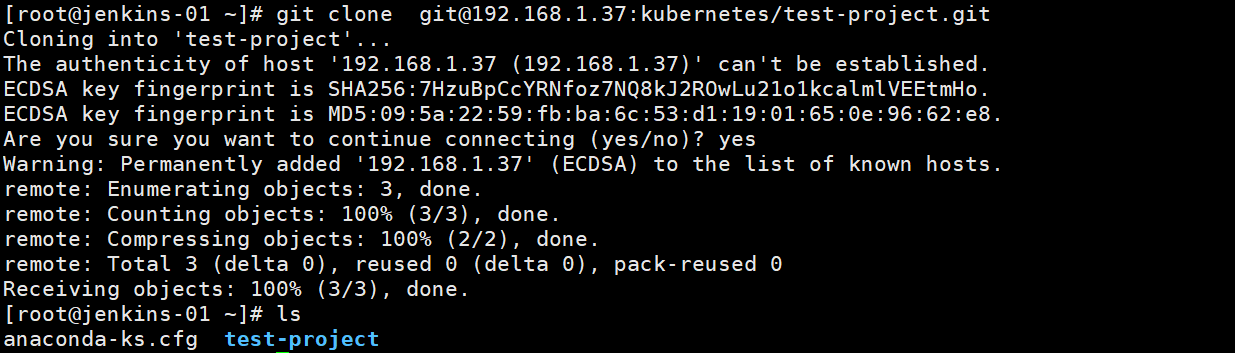
4.本地上传代码到GitLab
(1)创建几个文件,然后提交测试
$ cd test-project/
$ echo "study gitlab" >  test
$ git add .
$ git config --global user.email your_email@example.com
$ git commit -am "test"
$ git push origin main
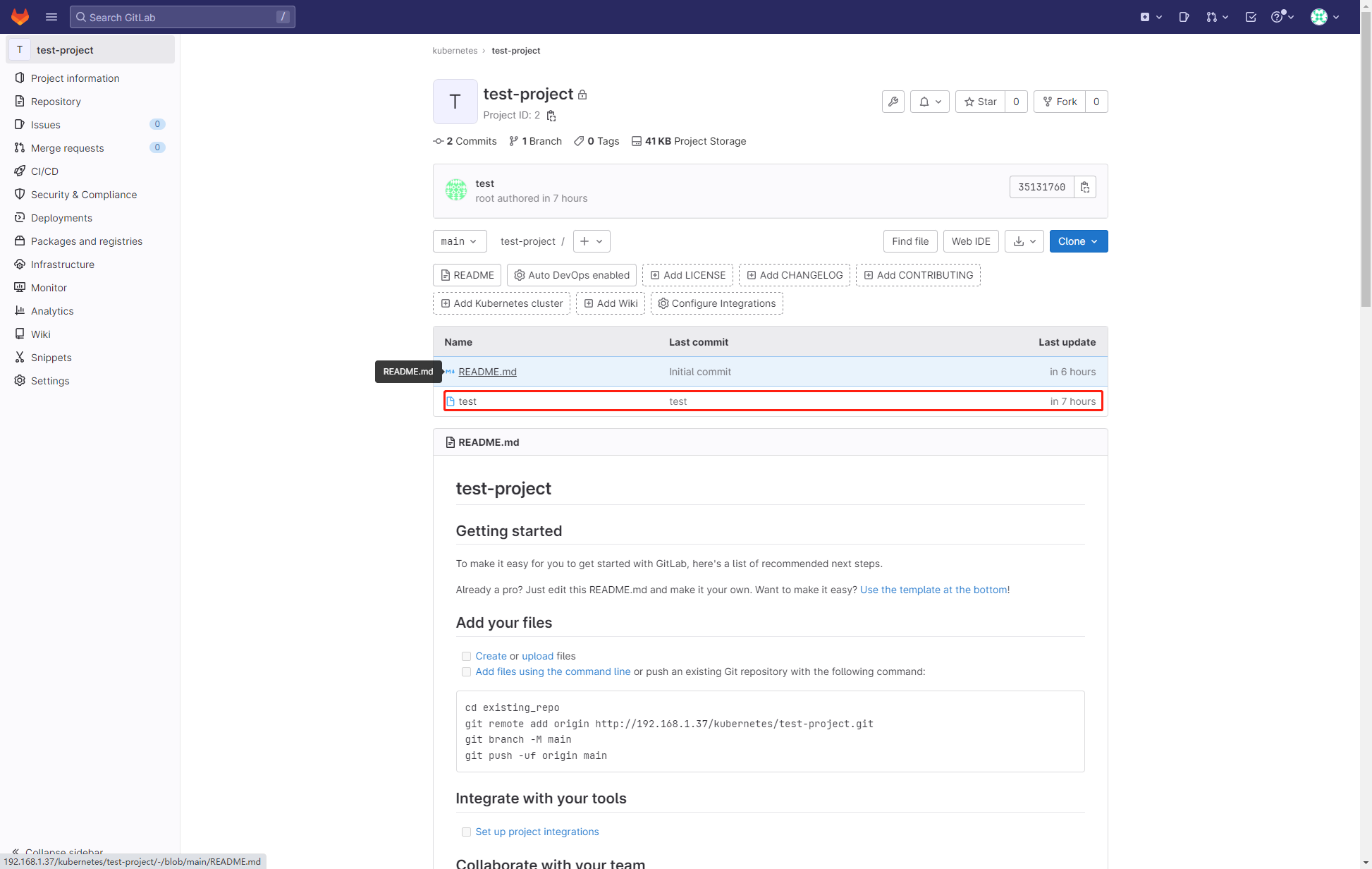
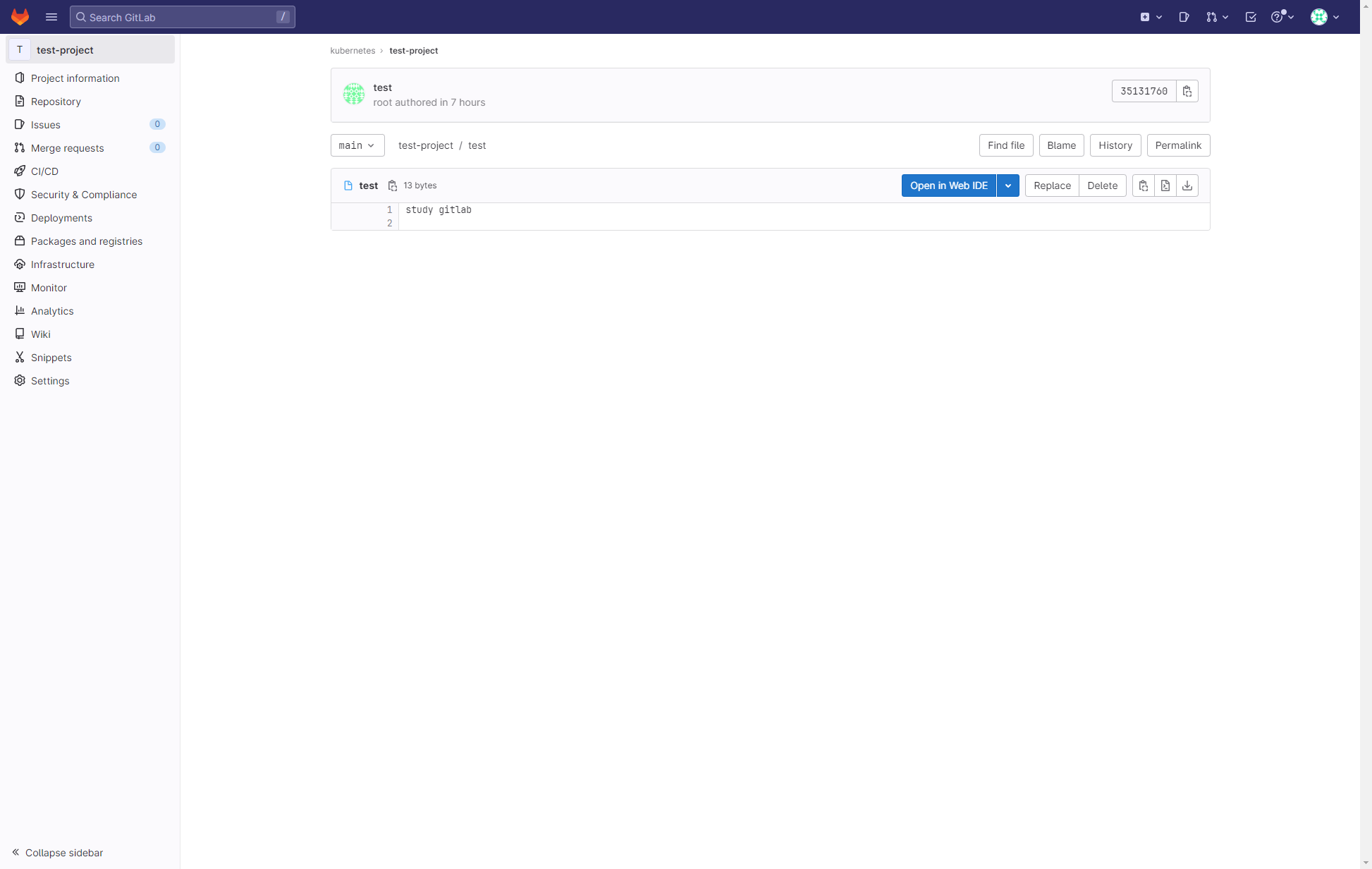
(2)提交之后在 GitLab 即可看到该文件