

来自AI助手的总结
介绍了用API和IDE创建Coze自定义插件的方法

一、基于 API 创建 Coze 自定义插件
1、先搞定API资源网站
测试站点:https://www.tianapi.com
注册账户
点击首页https://www.tianapi.com/
找到“渣男语录”
点击进去,然后点“申请接口”
点击控制台 https://www.tianapi.com/console/
左侧,我的密钥key,找到APIKEY,复制一下备用
2、coze平台创建自定义插件
访问coze开发平台 https://www.coze.cn/home
左侧点击“工作空间”
右上角点击“+资源”,选择“插件”
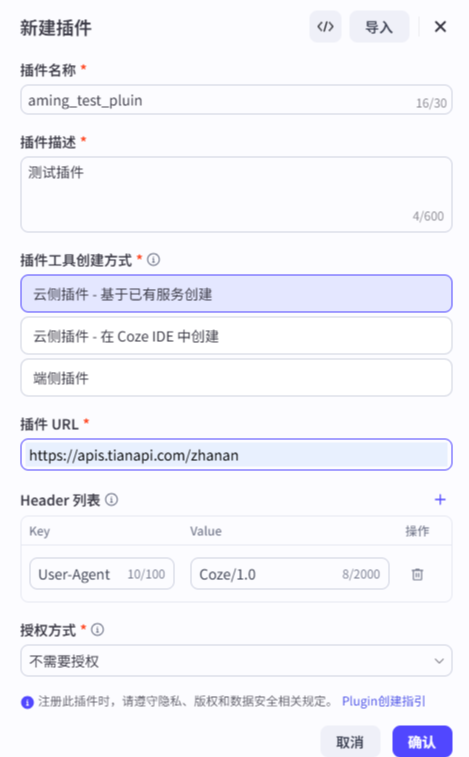
分别定义:插件名称、插件描述、创建方式(云侧插件)、插件URL、授权方式
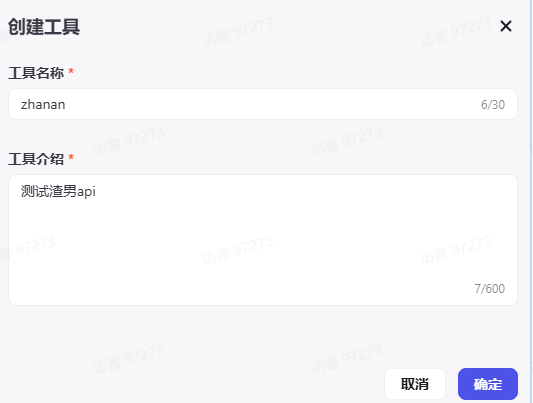
创建工具
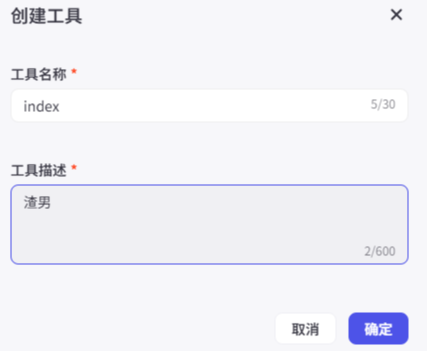
工具名称这里,必须为index,因为天聚数形对应资源的API访问地址为:https://apis.tianapi.com/zhanan/index
coze的插件访问地址格式比较特殊,最后面必须是工具名
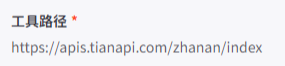
配置输入参数
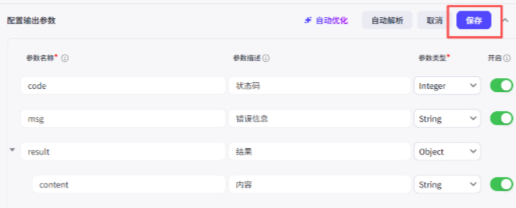
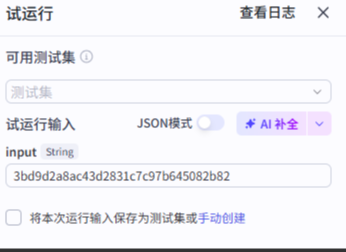
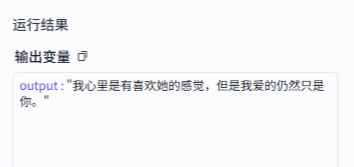
试运行
右上角点击“试运行”
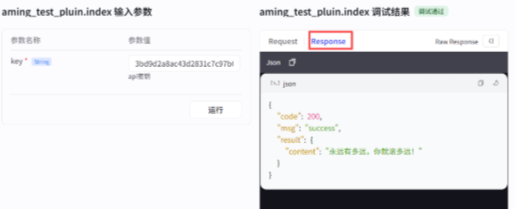
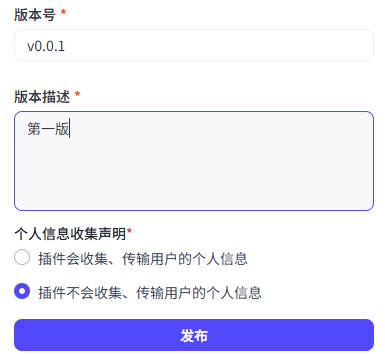
发布插件
3、测试插件
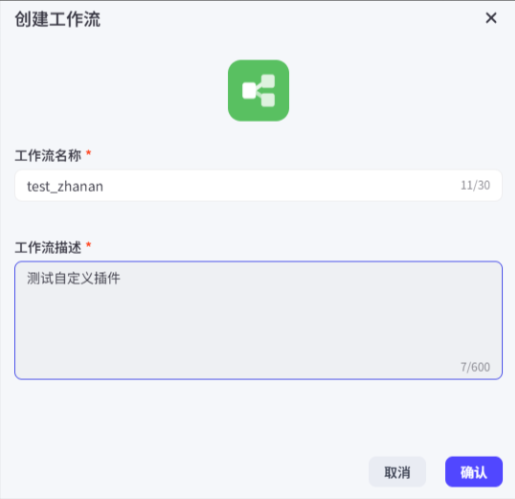
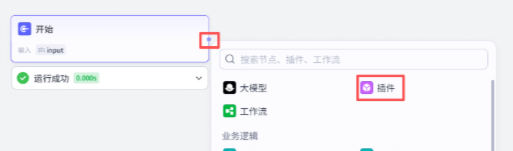
工作空间 –> 资源库 –> 右上角“+资源” –> 工作流
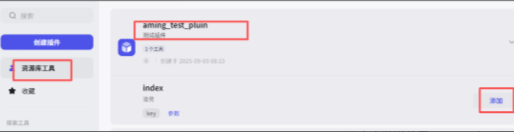
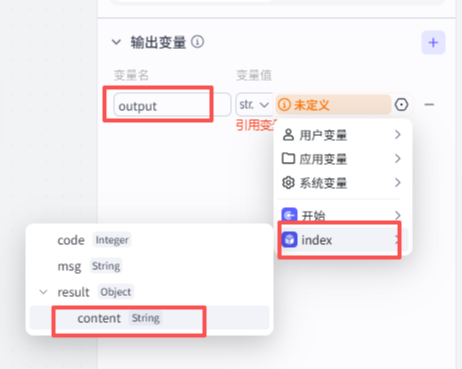

 、
、
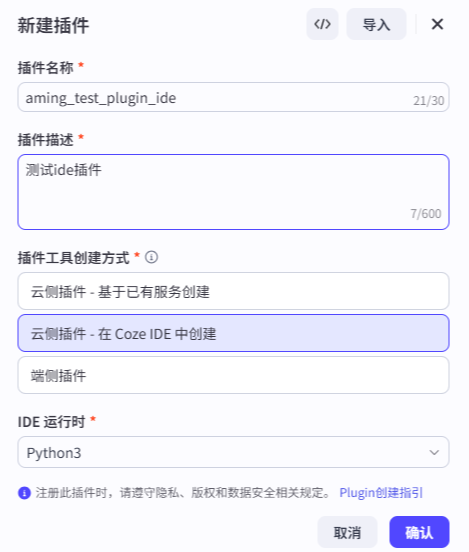
二、基于 IDE 创建 Coze 自定义插件
代码:
from runtime import Args
from typings.zhanan.zhanan import Input, Output
import requests
import json
"""
Each file needs to export a function named `handler`. This function is the entrance to the Tool.
Parameters:
args: parameters of the entry function.
args.input - input parameters, you can get test input value by args.input.xxx.
args.logger - logger instance used to print logs, injected by runtime.
Remember to fill in input/output in Metadata, it helps LLM to recognize and use tool.
Return:
The return data of the function, which should match the declared output parameters.
"""
def handler(args: Args[Input]) -> Output:
    """
    获取宅男内容 - 基于天聚数行API
    Args:
        args: 包含输入参数和日志记录器的对象
            - args.input.key: 天聚数行API密钥
    Returns:
        Output: 包含API响应数据的字典
    """
    # 获取API密钥
    api_key = args.input.key if hasattr(args.input, 'key') else ""
    # 记录日志
    args.logger.info("开始获取宅男内容")
    if not api_key:
        args.logger.error("缺少API密钥")
        return {
            "code": 400,
            "msg": "缺少API密钥",
            "newslist": []
        }
    try:
        # 使用requests发送POST请求
        url = "https://apis.tianapi.com/zhanan/index"
        data = {'key': api_key}
        response = requests.post(url, data=data, timeout=10)
        response.raise_for_status()
        # 解析JSON响应
        result_data = response.json()
        args.logger.info("成功获取宅男内容")
        # 返回API原始响应
        return result_data
    except Exception as e:
        args.logger.error(f"获取宅男内容失败: {str(e)}")
        return {
            "code": 500,
            "msg": f"请求失败: {str(e)}",
            "newslist": []
        }
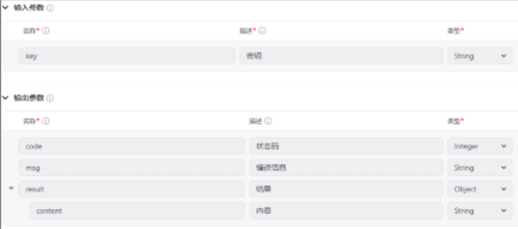
元数据
© 版权声明
文章版权归作者所有,未经允许请勿转载。
THE END






暂无评论内容